Travel eSIM Guide 2026: How to Get Data Abroad Without Roaming Fees
Sep 23, 2026, 10 min read
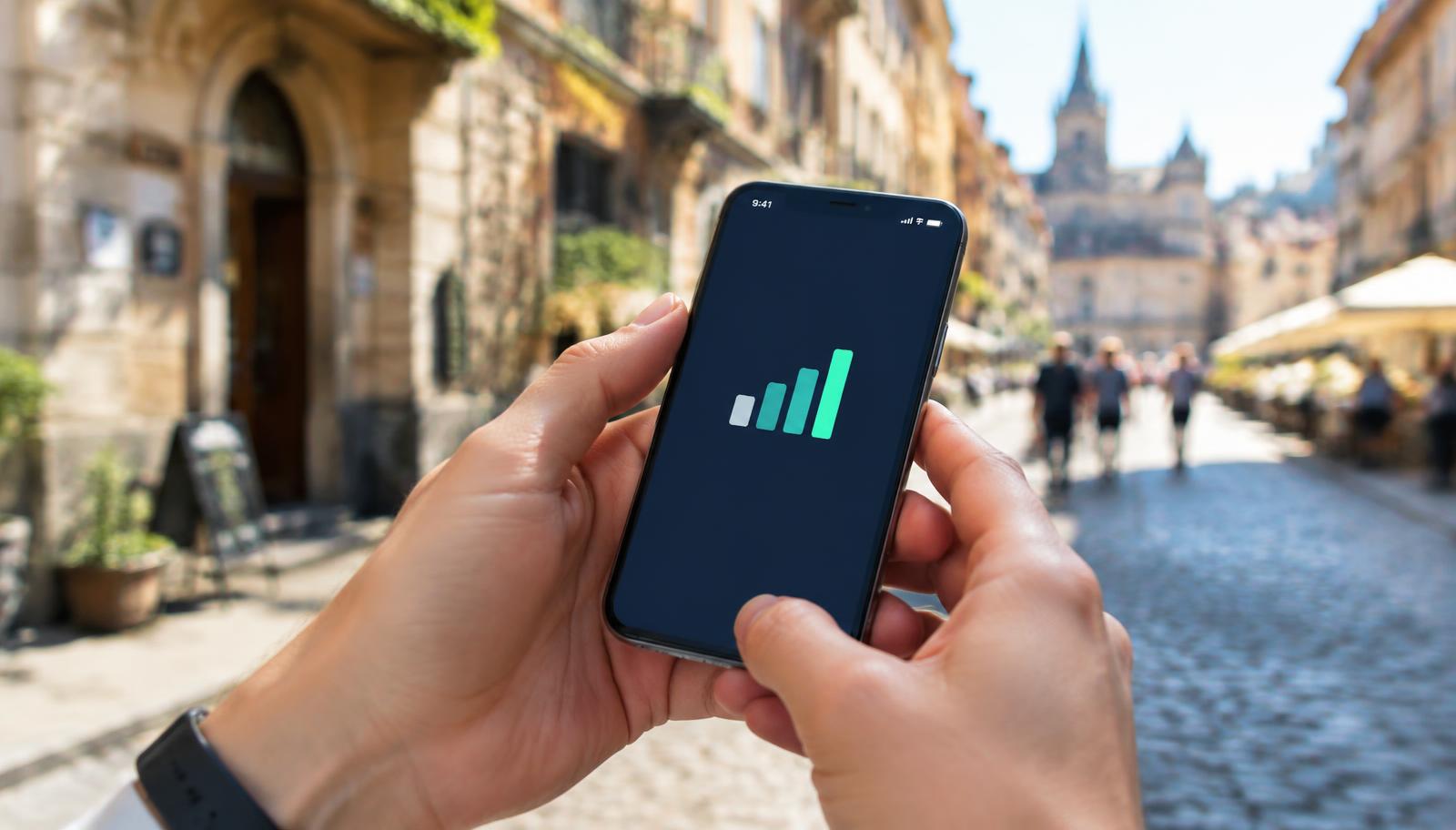
An eSIM gives you working data the minute you land, for a few dollars instead of a roaming bill. Here is how they work, which phones support them, how much data you actually need and when a local SIM still wins.
There was a time when landing in a new country meant queuing at an airport kiosk, handing over your passport and fiddling with a plastic tray to swap out a SIM card you would inevitably lose. That era is over. A travel eSIM is a digital SIM you buy online, install before you leave home, and switch on the moment your plane lands, for a fraction of what your home carrier charges to roam.
What an eSIM actually is
It is a SIM profile stored in software on your phone rather than on a physical chip. Your phone can hold several profiles at once, so your normal number stays active for calls and messages while a data only travel profile handles the internet. No swapping, no losing your home SIM in a hostel drawer.
Does your phone support it?
Many phones sold since 2019 do: iPhone XS and newer, Google Pixel 3 and newer, Samsung Galaxy S20 and newer, and many recent mid range Android models. Your phone must also be carrier unlocked. Check in settings for an option to add an eSIM or a mobile plan. If it is there, you are ready.
How much it costs
Prices vary by region but the broad picture in 2026 is roughly 1 to 4 dollars per gigabyte in Europe and much of Asia, and higher in parts of Africa, Latin America and the Pacific. Regional bundles that cover a whole continent can cost more per gigabyte than a single country plan but save you buying five separate ones on a multi country trip.
How much data do you actually need?
For maps, messaging, email and occasional browsing, 1 gigabyte per week is usually enough. If you stream music, upload photos daily or use video calls, budget 3 to 5 gigabytes per week. Remote workers who tether a laptop should plan on 10 to 20 gigabytes every two weeks or buy an unlimited plan.
Setting it up, step by step
Buy the plan online before you fly. You will get a QR code or an installation link. On strong home wifi, add the eSIM in your phone settings and label it clearly. Leave it turned off until you land. On arrival, switch the travel line on for data, keep your home line on for calls and texts but with roaming disabled, and set the travel line as the default for mobile data.
The mistakes that cost people money
Installing the eSIM at the destination, where you may have no connection to do it. Forgetting to disable data roaming on the home line, which quietly racks up charges in the background. Leaving automatic app updates and cloud photo backup on mobile data. Assuming an unlimited plan is truly unlimited, when most throttle speeds after a set amount of high speed data.
When a local physical SIM is still better
If you are staying more than a month, a local prepaid SIM is usually cheaper per gigabyte and gives you a local phone number, which matters for taxi apps, bank verification and food delivery in many countries. In Japan, Thailand, Indonesia and much of Latin America, a local number unlocks services that a data only eSIM cannot.
When your home plan is fine
Some carriers include free or cheap roaming across a whole region. EU residents roam across the EU at domestic rates. Several US and UK plans include a generous allowance in dozens of countries. Check before you buy anything, because you may already be covered.
Cruise and remote area warnings
eSIMs use local mobile networks, so they do nothing at sea, in deep wilderness or in airspace. Satellite messaging on newer phones is limited to emergencies and, in a few countries, simple texts. Download offline maps for any region where coverage may drop.
A simple approach that works everywhere
Buy a regional eSIM covering your whole trip, install it at home, keep your home number on wifi calling, and download offline maps for each city before you arrive. You land, toggle it on, and you have directions and a ride booked before you clear the terminal.
Joy Plus keeps working either way
Your itinerary is there when you need it, and with data live from the moment you land you can adjust the day on the move rather than hunting for airport wifi. Start planning your trip
Frequently asked questions
What is a travel eSIM and how does it work?
A travel eSIM is a digital SIM profile you buy online and install on your phone through a QR code, no physical card involved. It connects you to a local mobile network at your destination for data, while your usual number stays active for calls and texts. You install it before you fly and switch it on when you land.
Which phones support eSIM?
Many phones released since 2019: iPhone XS and newer, Google Pixel 3 and newer, Samsung Galaxy S20 and newer, and many recent mid range Android handsets. The phone must also be carrier unlocked. Check your settings for an add eSIM or add mobile plan option to confirm before buying.
How much data do I need for a two week trip?
For maps, messaging and light browsing, about 2 to 3 gigabytes covers two weeks. If you stream music, back up photos or make video calls, plan on 6 to 10 gigabytes. If you work remotely and tether a laptop, look at 10 to 20 gigabytes or an unlimited plan, and check whether speeds are throttled after a high speed allowance.
Is an eSIM cheaper than roaming?
Almost always, and often dramatically. Pay as you go roaming can run 10 to 15 dollars a day, while travel eSIM data commonly costs around 1 to 4 dollars per gigabyte in Europe and Asia. The exception is a home plan that already includes free or cheap roaming in the region you are visiting, so check yours first.
Can I keep my normal phone number with an eSIM?
Yes. Your phone runs both profiles at once. Keep your home line active for calls and texts, with data roaming switched off, and set the travel eSIM as the default line for mobile data. You still receive verification codes on your usual number, which matters for banking apps.
Should I install the eSIM before or after I travel?
Install it at home on solid wifi, then leave it switched off until you arrive. Activating the plan on arrival is usually a single toggle. Waiting until you land means trying to download a profile with no connection, which is exactly the situation the eSIM was supposed to solve.
When is a local SIM card better than an eSIM?
For stays longer than about a month, and anywhere a local phone number matters. In countries such as Japan, Thailand, Indonesia and much of Latin America, banking, delivery and some ride hailing apps expect a local number. Local prepaid plans are also usually cheaper per gigabyte for heavy, long term use.